Vivo FRP on Android 14/15: Compatibility and Account Recovery
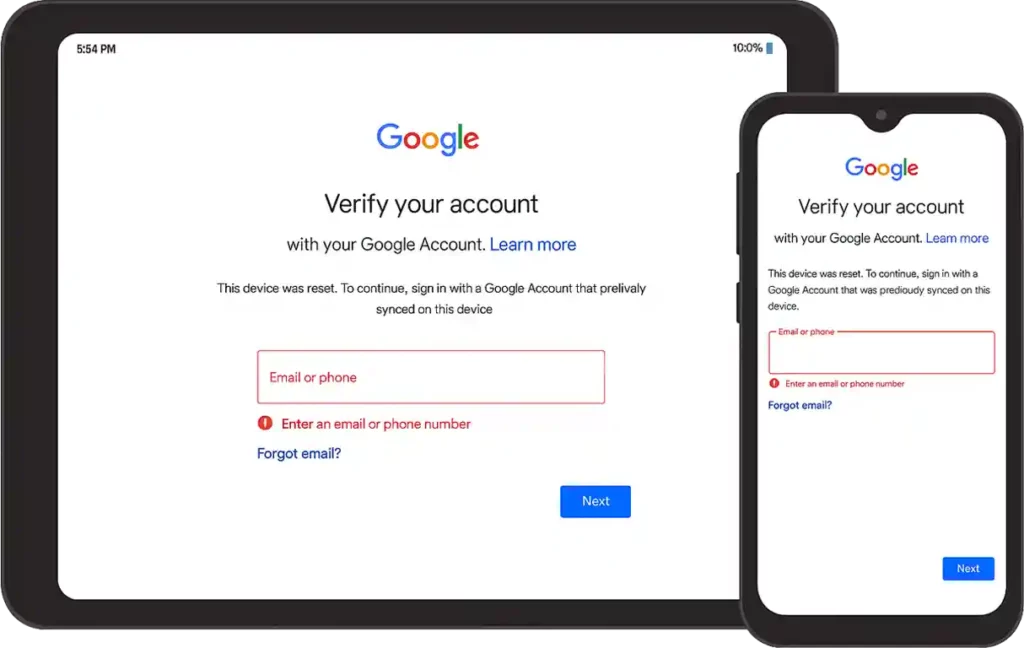
Factory Reset Protection asks for a previously synchronized Google account after certain resets. On Vivo devices, setup-wizard links, accessibility routes, EasyShare behavior, activity export rules, and hidden settings vary by exact model, Funtouch OS build, Android version, and security patch. A sequence observed on one phone is not a universal Android 14 or 15 no-PC method.
Owner-authorized recovery
Use the Google account previously synced to the phone. If the credentials are forgotten, follow Google Account recovery. For a legitimate transfer, ask the previous owner to remove the device from their account through the documented account process. For a managed phone, contact the organization. Vivo support may require proof of purchase.
A new factory reset does not necessarily remove FRP and can erase more local data. Changing passwords can also trigger a temporary security waiting period.
Why the recorded workflow is not a support matrix
The earlier article used EasyShare, an Activity Launcher APK, setup-wizard intent routing, and a second reset. Modern builds can block package installation, exported activities, browser entry points, accessibility paths, or settings launches during setup. Those controls are security boundaries; their availability must be tested on the exact model/build rather than inferred from “Vivo” or “Android 15.”
Do not install an APK of unknown provenance during setup. Record its publisher, signature, hash, requested permissions, and source before considering a controlled test.
Evidence for a device-specific report
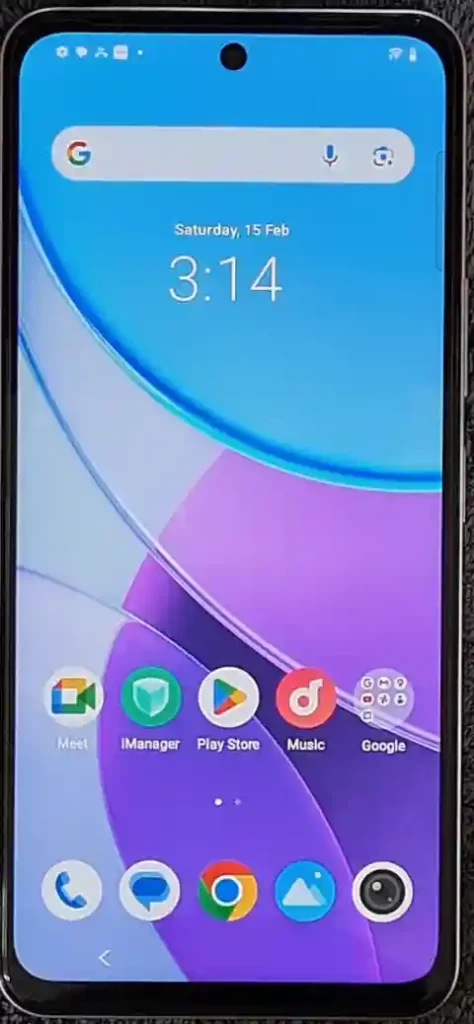
A useful report names the Vivo model and region, Funtouch OS/Android build, security patch, setup-wizard version, initial reset method, network state, and every screen reached. It also records whether the previous account was actually removed server-side, whether setup completed, and whether the result persisted after reboot and another authorized reset.
Video record
Unsupported states include an unknown prior account, a managed device without administrator release, a patched setup path, and hardware whose ownership cannot be established. Use documented recovery or manufacturer support in those cases.