6 min read
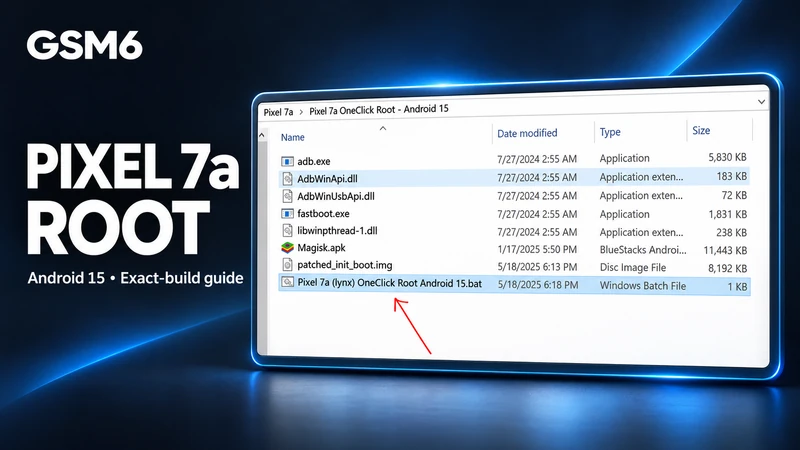
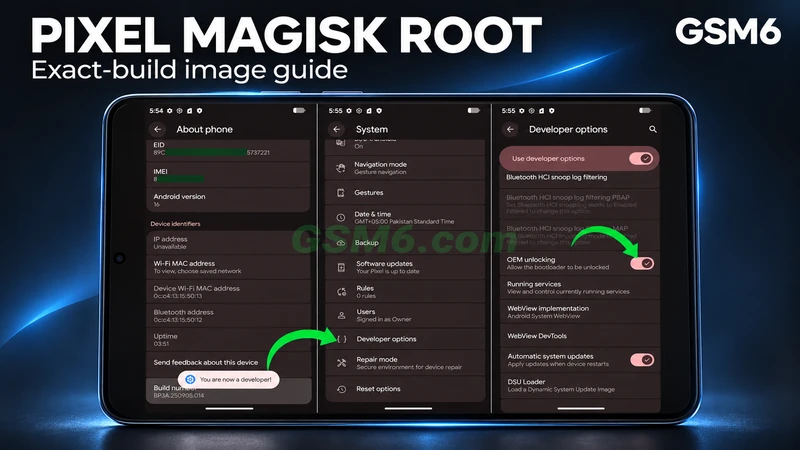
Root Pixel 7a on Android 15 with an Exact-Build Magisk Image
Root a Pixel 7a by patching the exact installed build init_boot image with official Magisk and Platform-Tools. Includes wipe and integrity limits.
GSM6 Team
Professional Android solutions: FRP bypass, IMEI repair, firmware flashing, rooting, customization, and troubleshooting guides for all Android devices.
Welcome to the Android Diagnostic Hub at GSM6. This comprehensive category brings together all our Android-specific troubleshooting guides, repair tools, and software solutions. From FRP bypass methods for the latest Android 15/16 devices to IMEI restoration techniques for Qualcomm and MediaTek chipsets, we cover every major manufacturer including Samsung, Google Pixel, Xiaomi, OnePlus, Oppo, Vivo, and Realme. Our firmware flashing guides, bootloader unlocking tutorials, and custom ROM installation procedures are tested on dozens of devices to ensure they work in real repair scenarios. Whether you're a professional technician or an advanced user, you'll find reliable, up-to-date solutions for common Android issues.
Root a Pixel 7a by patching the exact installed build init_boot image with official Magisk and Platform-Tools. Includes wipe and integrity limits.
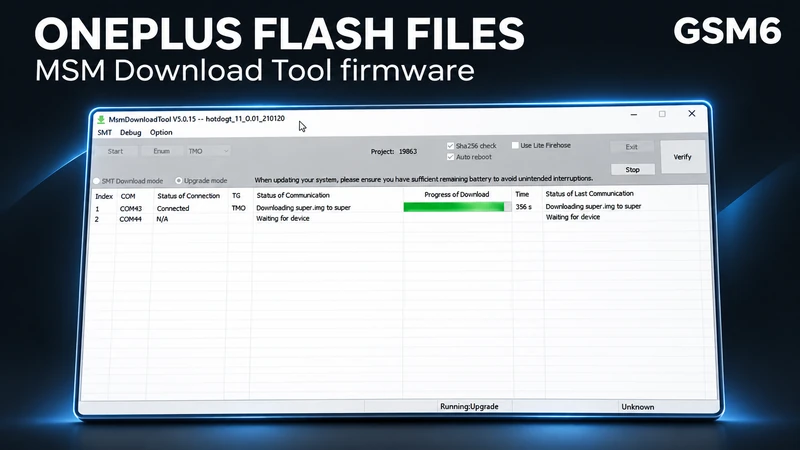
Complete OnePlus flash file download guide with MSM Download Tool. Fix hard-bricked devices, repair IMEI, baseband issues on Android 9/10/11 firmware.
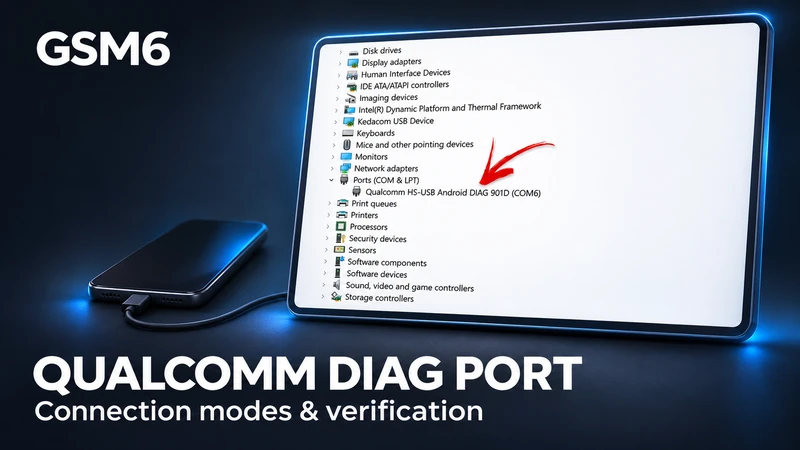
Distinguish running DIAG, authorized ADB, recovery, and EDL 9008, then verify an exact model/build method and the resulting interface.
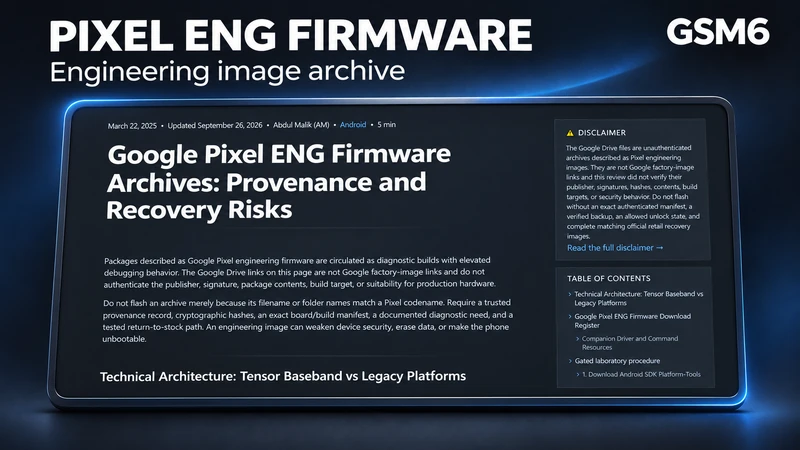
Assess unauthenticated Pixel engineering-image archives, exact device/build restrictions, security changes, and the required stock recovery path.
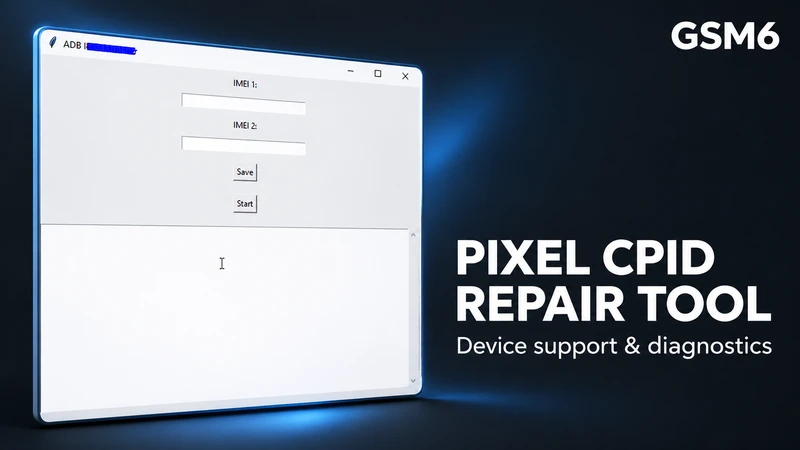
Review a third-party Pixel IMEI/CPID tool. Pixel 6–9 and Fold repair support, binary provenance, persistence, and outcomes require exact build evidence.
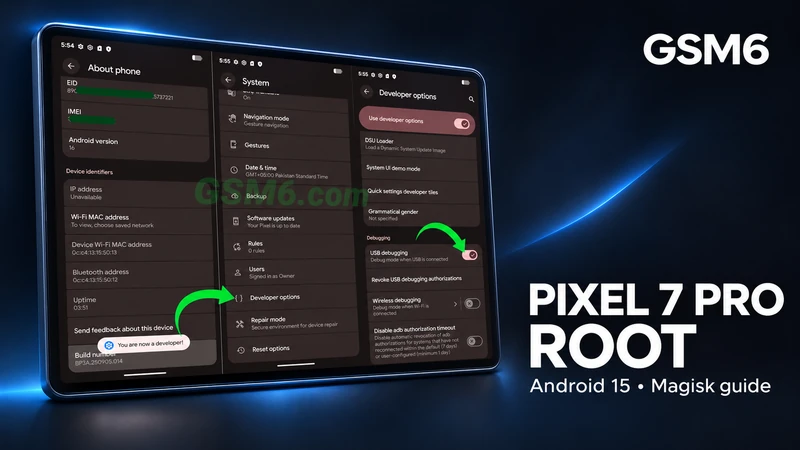
Root a Pixel 7 Pro on Android 15 by patching the exact-build init_boot image with Magisk. Includes bootloader wipe, integrity, and OTA limitations.
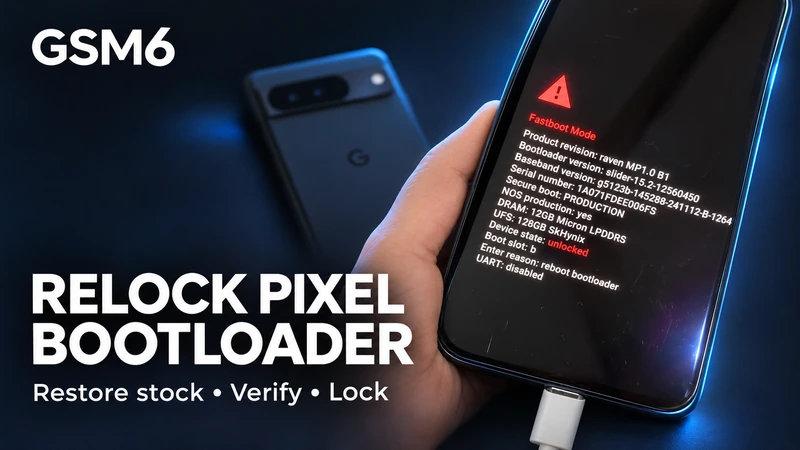
Relock a Google Pixel bootloader only after restoring exact, unmodified stock images. Covers the required data wipe and integrity limitations.
Choose the boot image specified for the exact Pixel/build, patch it on the same device with Magisk, and keep unlock, backup, recovery, and relock boundaries explicit.
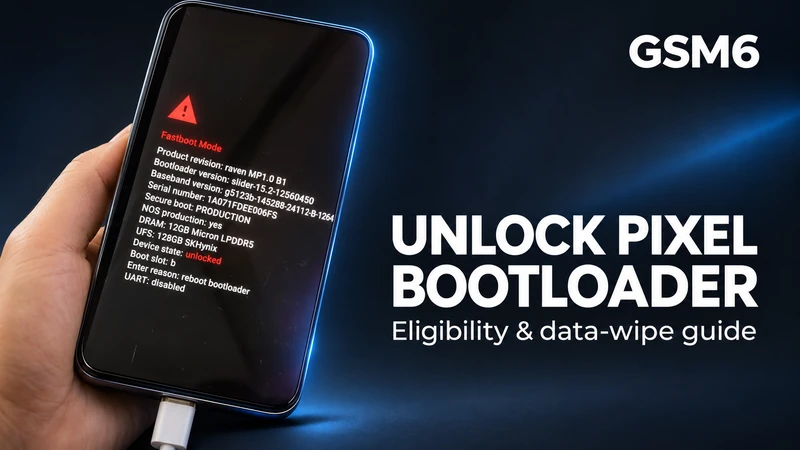
Check OEM-unlock eligibility for the exact Pixel variant, distinguish bootloader/carrier/account locks, back up data, and use the documented Fastboot confirmation.
Check exact Samsung model, firmware, region, law, Wallet, and data-reset risks before using SamFW to change CSC for call recording.
Understand why Vivo setup-wizard paths vary by model and patch, and use documented owner-authorized Google account recovery instead of universal no-PC claims.